
birthday party
Kids Birthday Party Invitation Websites: Invite & Track RSVPs the Easy Way
 By Giggles & Scribbles
July 18, 2026
5 min read
By Giggles & Scribbles
July 18, 2026
5 min read

Planning a kids' party is a logistics puzzle: a dozen families, a dozen group chats, and one very important question you'll ask over and over — "So… is your little one coming?" A birthday party invitation website answers it for you. One link holds the details, the map, the party rules, and a built-in RSVP form that keeps your headcount straight.
If you've seen these used for baby showers and weddings, this is the same idea, sized for a birthday party. Here's how it works and why parents are switching.
(Want the full background first? Read What Is an Invitation Website? — the concept is identical for birthdays.)
What is a birthday party invitation website?
It's a live web page you send instead of a paper card or a photo in the class group chat. Your child's guests — well, their parents — open one link on their phone and find everything in one place:
- The party date, start and end time
- The venue with a tappable map
- The birthday child's name and age they're turning
- Any need-to-knows: drop-off or stay, dress code, allergy notes
- A built-in RSVP form parents fill in right there
Because it's a real website and not a picture, parents can respond from the invitation itself — no separate text, no reply card.
One link. Everything included.
Invitation Websites Your Guests Open on Their Phone
Built-in RSVP form & clickable gift registry — editable in Canva in 10 minutes.
-
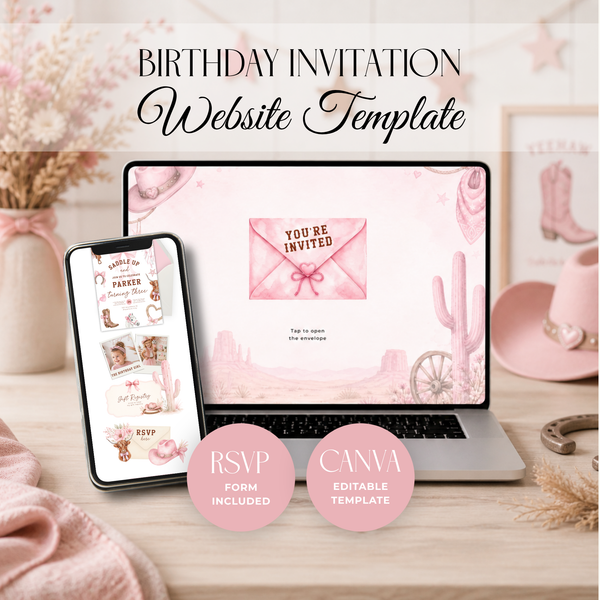 Birthday
Cowgirl Rodeo Birthday Invitation Websi...
€22,95
Birthday
Cowgirl Rodeo Birthday Invitation Websi...
€22,95
-
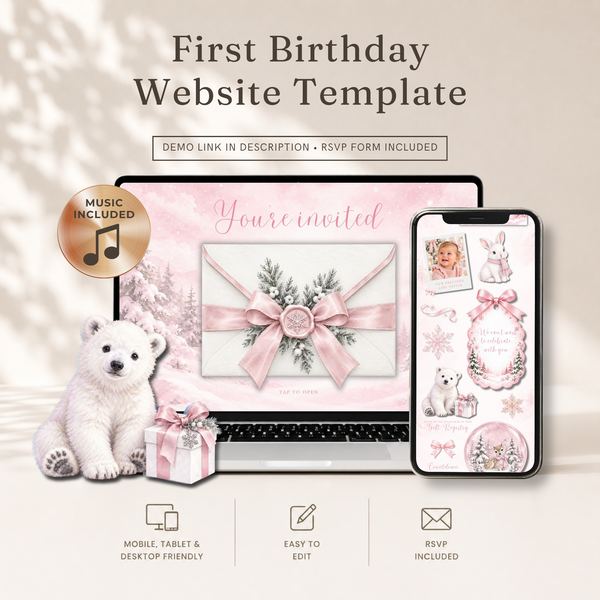 Birthday
Pink Winter Onederland First Birthday W...
€22,95
Birthday
Pink Winter Onederland First Birthday W...
€22,95
-
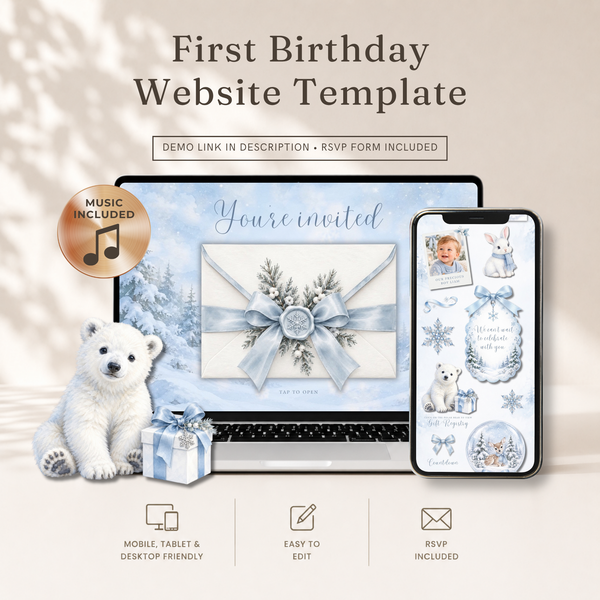 Birthday
Winter Onederland First Birthday Websit...
€22,95
Birthday
Winter Onederland First Birthday Websit...
€22,95
-
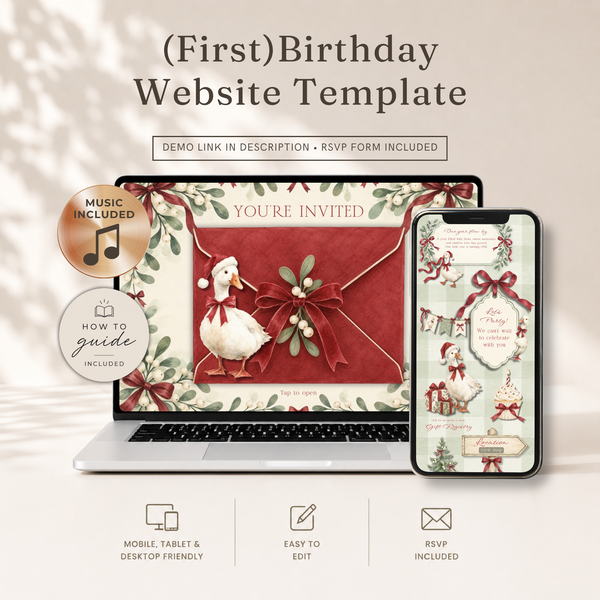 Birthday
Christmas Goose Birthday Website Invita...
€22,95
Birthday
Christmas Goose Birthday Website Invita...
€22,95
-
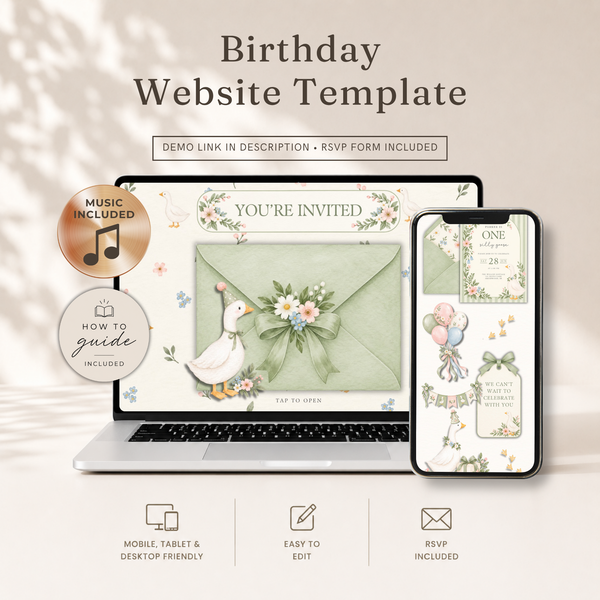 Birthday
One Silly Goose First Birthday Website ...
€22,95
Birthday
One Silly Goose First Birthday Website ...
€22,95
-
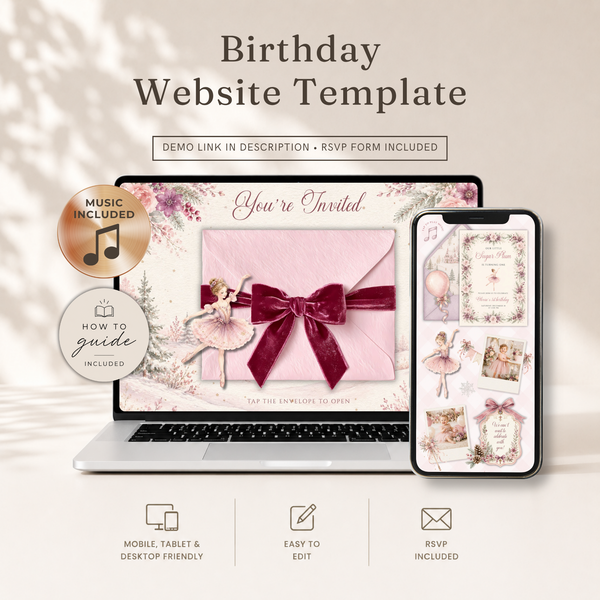 Birthday
Sugar Plum First Birthday Website Invit...
€22,95
Birthday
Sugar Plum First Birthday Website Invit...
€22,95
-
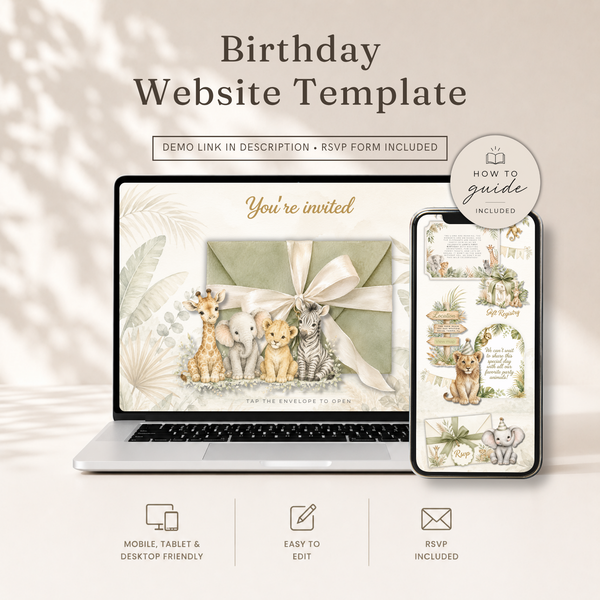 Birthday
Safari Birthday Website Invitation with...
€22,95
Birthday
Safari Birthday Website Invitation with...
€22,95
-
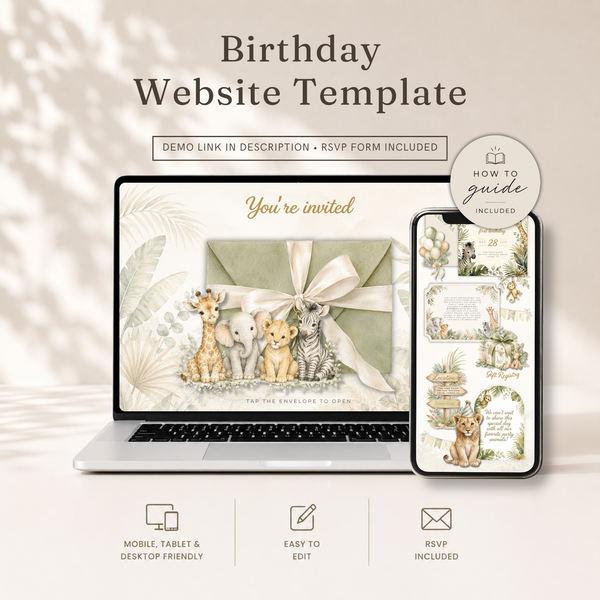 Birthday
Wild One Safari First Birthday Website ...
€22,95
Birthday
Wild One Safari First Birthday Website ...
€22,95
Why parents love it for birthdays
Busy parents reply faster. Party parents are juggling five things at once. A tap-to-RSVP link gets answered in the school pickup line; a paper card gets left in a backpack for two weeks.
Your headcount stays accurate. Every "yes," "no," and plus-sibling is collected in one place, so you know exactly how many goody bags, slices of cake, and party spots to plan for. Here's how the RSVP tracking works.
All the party rules fit. Drop-off or stay? Peanut-free? Shoes off at the trampoline park? You can spell it out clearly instead of fielding the same question from ten families.
One link for the class chat. Paste it once into the group chat and you're done. No printing 25 cards, no addressing envelopes for a 6-year-old's classmates.
It's easy on the budget. A single template invites the whole class — no per-guest printing or postage, and no subscription like the big invite apps charge.
What to put on a kids' party invitation
Keep it clear and skimmable — parents are reading fast. Include:
- Birthday child's name and the age they're turning
- Date and day of the week
- Start and end time (end time matters a lot for pickup)
- Venue name and address, with a map link
- Drop-off or stay — parents always want to know
- RSVP with a reply-by date
- Extras — theme or costume, allergy info, gift preferences, or "no gifts please"
If you'd like ready-made phrasing, our wording examples translate easily to birthdays — just swap "shower" for "party."
How to make one in about ten minutes
You don't need any design skills. Every birthday website in our shop is a Canva template, so the design is done — you're only changing the words:
- Pick a theme your child will love — dinosaurs, fairies, ice cream, coastal.
- Open it in Canva with a free account.
- Type in your details — name, age, date, place, party rules.
- Link the map and any registry or wishlist.
- Publish and share the link in the class chat.
The full step-by-step (with tips for links and the RSVP form) is in How to Make an Invitation Website in Canva.
Popular themes parents reach for
Kids know exactly what they want, and the theme sets the whole tone. A few crowd-pleasers from our birthday collection:
- Dinosaurs — "Three-Rex" and dino-dig parties are perennial favorites
- Fairies — magical, whimsical, and endlessly cute for a first or second birthday
- Ice cream — sweet, colorful, and perfect for a summer party
- Coastal & under-the-sea — easy, bright, and great for pool parties
Match the invitation website to the party theme and the whole event feels pulled together before the first guest arrives.
Frequently asked questions
Do the parents need an app to RSVP? No. They tap the link and fill in the form — nothing to download.
Can I include allergy and drop-off info? Yes. You can add as much detail as you need, and it's all in one link so nobody misses it.
Can I reuse the template next year? The template is yours — you can edit and re-publish it for the next birthday with new details.
Is it just for big kids? Not at all. First-birthday websites are some of the most popular, because they double as a keepsake link for far-away family.
Make this party the easy one
Between the cake, the games, and the goody bags, the invitation shouldn't be the hard part. One link does the inviting, shares the details, and tracks the RSVPs — so you can get back to the fun stuff.
Browse birthday invitation website templates →
Pick your child's theme, spend ten minutes in Canva, and send one link the whole class can open.
Giggles & Scribbles
Editable Canva invitation templates & live invitation websites with RSVP — for baby showers, birthdays, and every celebration in between.