
baby shower
Baby Shower Invitation Website: The Complete Guide
 By Giggles & Scribbles
July 18, 2026
6 min read
By Giggles & Scribbles
July 18, 2026
6 min read

If you've ever hosted a baby shower, you know the invitation is only the beginning. After you send it come the follow-up texts: "Did you get the invite? Are you coming? Can you bring a plus-one? What's on the registry again?" A baby shower invitation website quietly puts an end to all of that — and it's become one of the easiest upgrades a host can make.
This guide walks you through exactly what an invitation website is, how it's different from the paper cards and PDFs you're used to, how guests RSVP, and how you can make your own in about ten minutes. No design skills, no monthly subscription, no printing.
What is a baby shower invitation website?
A baby shower invitation website is a live web page your guests open on their phone instead of receiving a paper card, a PDF, or a photo dropped into the group chat. It lives at one link, and that single link holds everything a guest needs:
- The date, time, and location — with a tappable map
- The dress code or theme
- A clickable link straight to the gift registry
- A built-in RSVP form guests fill in right on the page
Because it's a real website and not a static image, guests can respond from the invitation. There's nothing to download, no app to install, and no account for them to create. They tap your link, read the details, and hit RSVP.
It's the same idea as a wedding website — just built for a baby shower, and priced like a template rather than a service.
One link. Everything included.
Invitation Websites Your Guests Open on Their Phone
Built-in RSVP form & clickable gift registry — editable in Canva in 10 minutes.
-
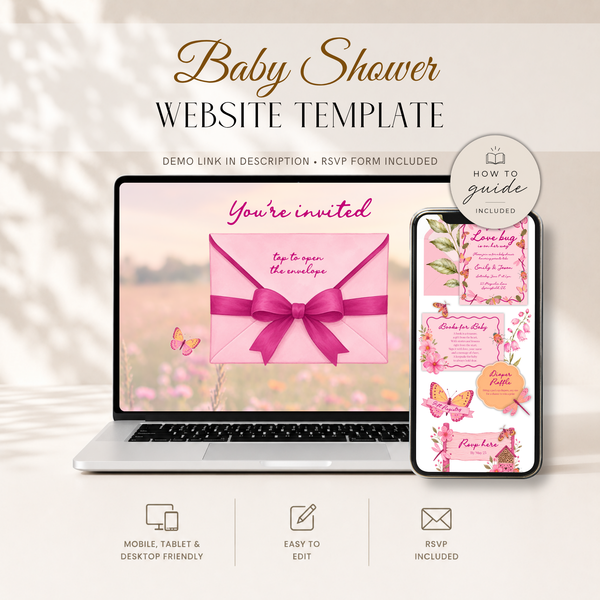 Baby Shower
Love Bug Baby Shower Website Invite wit...
€22,95
Baby Shower
Love Bug Baby Shower Website Invite wit...
€22,95
-
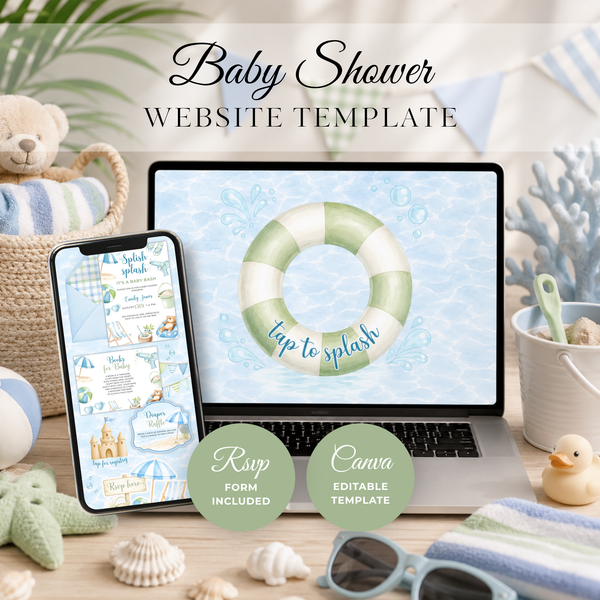 Baby Shower
Splish Splash Baby Shower Website Invit...
€22,95
Baby Shower
Splish Splash Baby Shower Website Invit...
€22,95
-
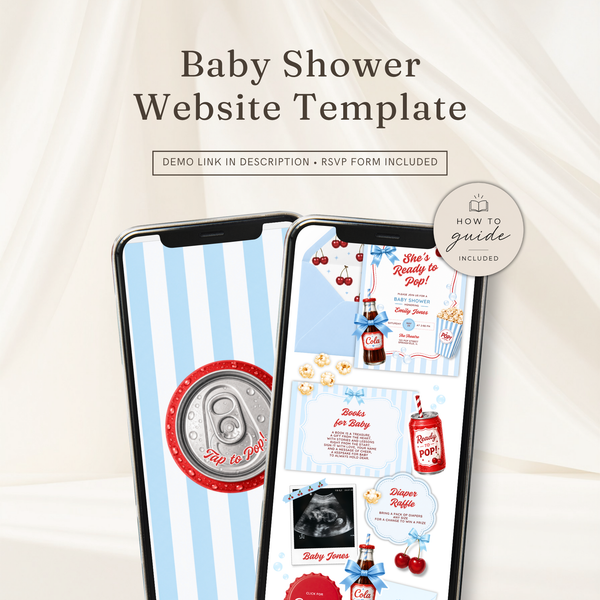 Baby Shower
She's Ready To Pop Baby Shower Website ...
€22,95
Baby Shower
She's Ready To Pop Baby Shower Website ...
€22,95
-
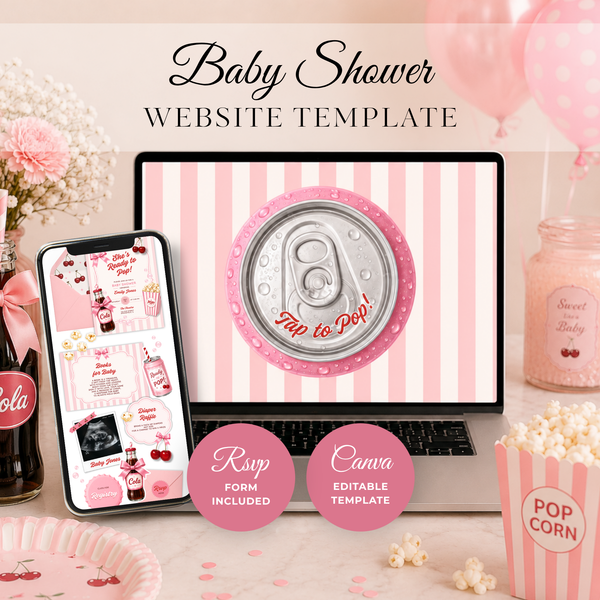 Baby Shower
She's Ready To Pop Baby Shower Website ...
€22,95
Baby Shower
She's Ready To Pop Baby Shower Website ...
€22,95
-
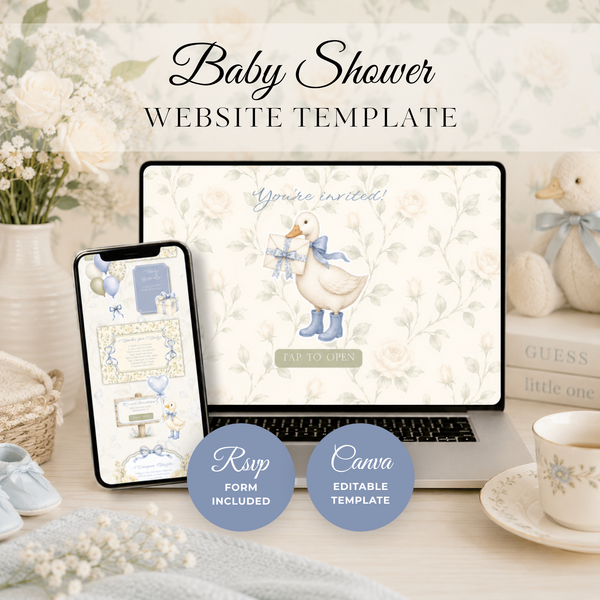 Baby Shower
Blue Little Goose Baby Shower Invitatio...
€22,95
Baby Shower
Blue Little Goose Baby Shower Invitatio...
€22,95
-
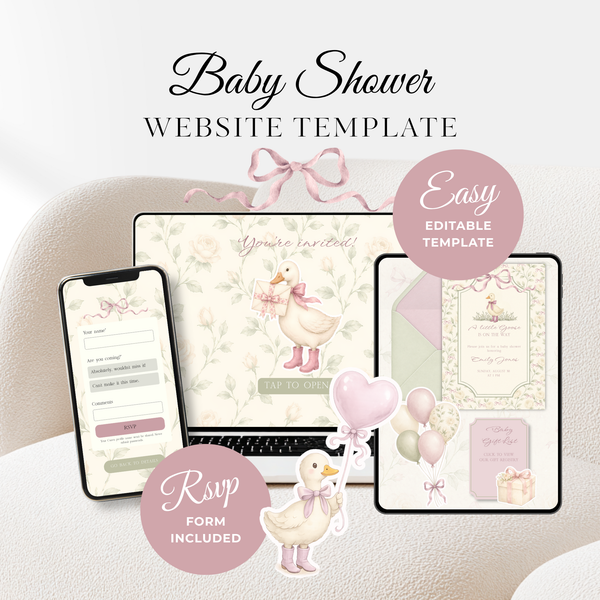 Baby Shower
Vintage Floral Little Goose Baby Shower...
€22,95
Baby Shower
Vintage Floral Little Goose Baby Shower...
€22,95
-
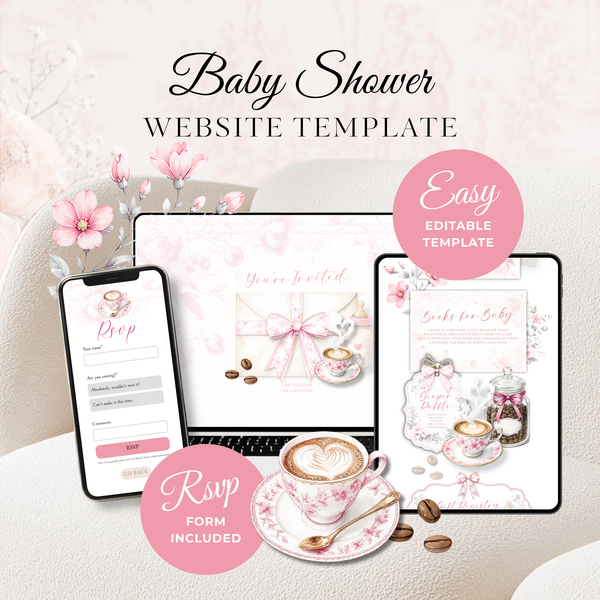 Baby Shower
Pink Toile Baby Is Brewing Baby Shower ...
€22,95
Baby Shower
Pink Toile Baby Is Brewing Baby Shower ...
€22,95
-
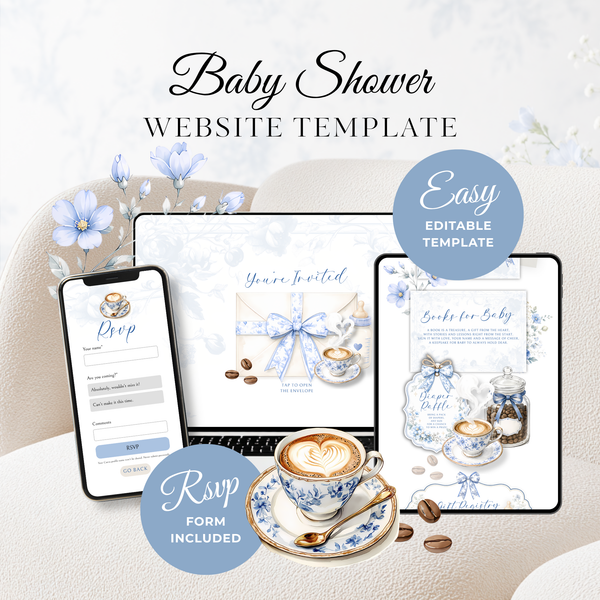 Baby Shower
Baby Is Brewing Baby Shower Website Tem...
€22,95
Baby Shower
Baby Is Brewing Baby Shower Website Tem...
€22,95
How is it different from a paper invite or a PDF?
Most digital invitations you've seen are really just pictures. A PDF or a JPG looks lovely, but it's flat: guests can't tap the registry, they can't RSVP inside it, and if a detail changes you're stuck re-sending a brand-new file to everyone.
An invitation website is interactive. Here's the practical difference:
| Paper card / PDF | Invitation website | |
|---|---|---|
| How guests respond | Text, call, or mail-back card | RSVP form built into the page |
| Registry | Written out, guests search for it | One clickable link |
| Changed a detail? | Re-send everything | Update once, everyone sees it |
| Tracking replies | Spreadsheet or notebook | Collected automatically |
| Cost | Printing + postage per guest | One template, unlimited guests |
If you love the look of a printed card, you don't have to choose — many hosts send the website link and print a few physical cards for grandparents. We cover the trade-offs in detail in Digital vs. Paper Baby Shower Invitations.
How do guests RSVP on an invitation website?
This is the part hosts love most. Your invitation website includes a built-in RSVP form. A guest opens the link, fills in their name and whether they're coming, and their answer is collected for you automatically — no spreadsheet, no chasing.
You can also ask the little extra questions that usually turn into five separate text threads: how many guests they're bringing, meal or dietary notes, or a message for the mom-to-be. Every response lands in one organized place, so at a glance you know your headcount.
We break down exactly how the tracking works — and how to read your responses — in How RSVP Tracking Works on a Digital Invitation.
How do you make one? (The short version)
Every invitation website in our shop is a Canva template, which means you don't start from a blank page — you start from a finished design and just swap in your details. The whole process looks like this:
- Choose a design that matches your theme and get instant access after checkout.
- Open it in Canva with a free account — no paid subscription needed.
- Change the text, colors, and fonts to fit your shower. Most hosts finish in about ten minutes.
- Hit publish and Canva gives you a link.
- Share the link by text, WhatsApp, email, or on the group chat.
That's it. No developer, no website builder, no code. If you'd like the full walkthrough with screenshots-style detail, read How to Make a Baby Shower Invitation Website in Canva.
Why hosts are switching to invitation websites
Everything lives in one link. No more "wait, what was the address?" Your guests always have the latest details in their pocket.
RSVPs actually come in. Digital invitations with a built-in RSVP consistently get faster responses than paper cards, because there's no friction — no card to find, no stamp, no mailbox. Guests reply in the ten seconds they're already holding their phone.
You can change your mind. Venue moved? Start time bumped an hour? Update the website once and every guest sees the new version. With paper, that's a reprint.
It's genuinely affordable. Because it's a one-time template and not a subscription service, you pay once and invite as many guests as you like. There's no per-guest fee and no monthly plan — a real advantage over the big invite platforms.
It stays live as long as you want. Keep it published through the celebration, then unpublish it with one click whenever you're ready.
What to put on your invitation website
Whether you go digital or paper, the essentials are the same. Make sure your website includes:
- Who the shower is for (the parent-to-be, and both names for a couples shower)
- When — day of the week, date, and start time
- Where — full address, plus a map link
- RSVP — your form, and an RSVP-by date
- Registry — a clickable link
- Anything special — dress code, theme, "books instead of cards," or parking notes
Not sure how to phrase it all? We put together dozens of ready-to-use examples in Baby Shower Invitation Wording: 40+ Examples for Every Style.
It's not just for baby showers
The same interactive, RSVP-tracked format works beautifully for other celebrations too. Our website templates cover baby showers, gender reveals, kids' birthday parties, baptisms, bridal showers, and bachelorette weekends. If you're planning more than one event this year, you'll feel right at home.
Frequently asked questions
Do my guests need an app or account to RSVP? No. They tap your link and respond right on the page — nothing to download, nothing to sign up for.
Do I need a paid Canva subscription? No. A free Canva account is all you need to edit and publish. Every font and element in our designs works on the free plan.
Does the website stay online after the shower? Yes — it stays live as long as you keep it published in Canva, and you can unpublish anytime with one click.
Can I still print something? Absolutely. Many hosts share the website link and print a couple of physical cards for guests who prefer paper.
Ready to see one in action?
The easiest way to understand an invitation website is to open one. Browse our full range of designs — from woodland florals to citrus and western themes — and picture your own details in place.
Shop all invitation website templates with RSVP →
You'll be sharing one beautiful link with your guests before your coffee gets cold.
Giggles & Scribbles
Editable Canva invitation templates & live invitation websites with RSVP — for baby showers, birthdays, and every celebration in between.