
Baby Shower
Invitations Your Guests
Open as a Website

Live invitation websites with a built-in RSVP form & clickable gift registry — or classic printable invitations. Customize in Canva in 10 minutes.

Ready to Share in 3 Simple Steps
Whether you pick a printable invitation or a full invitation website — you'll be done before your coffee gets cold.
Get instant access
Your template link is delivered the moment you check out. No waiting, no shipping.
Customize in Canva
Change text, colors and fonts with a free Canva account. Most hosts finish in ~10 minutes.
Share or print
Send guests one link for your invitation website — or download & print at home or any print shop.
See a Real Invitation Website
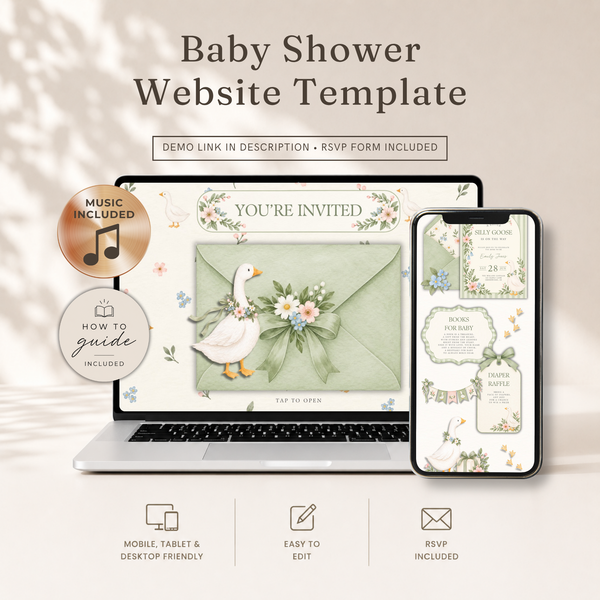
Not a PDF. Not a picture. A live website your guests open on their phone — with everything they need in one place.
- Built-in RSVP form — responses tracked for you in Canva
- Clickable gift registry link
- Date, time, location & dress code — one link has it all
- No more "did they get the invite?" texts
Click around — try the RSVP form and the gift registry link.
Best-Selling Baby Shower Invitations & Website Templates
Our most-loved designs — from printable invitations to complete invitation websites.


Shop Baby Shower Templates
Everything for the shower — matched designs from invitation to welcome sign.
Invitations
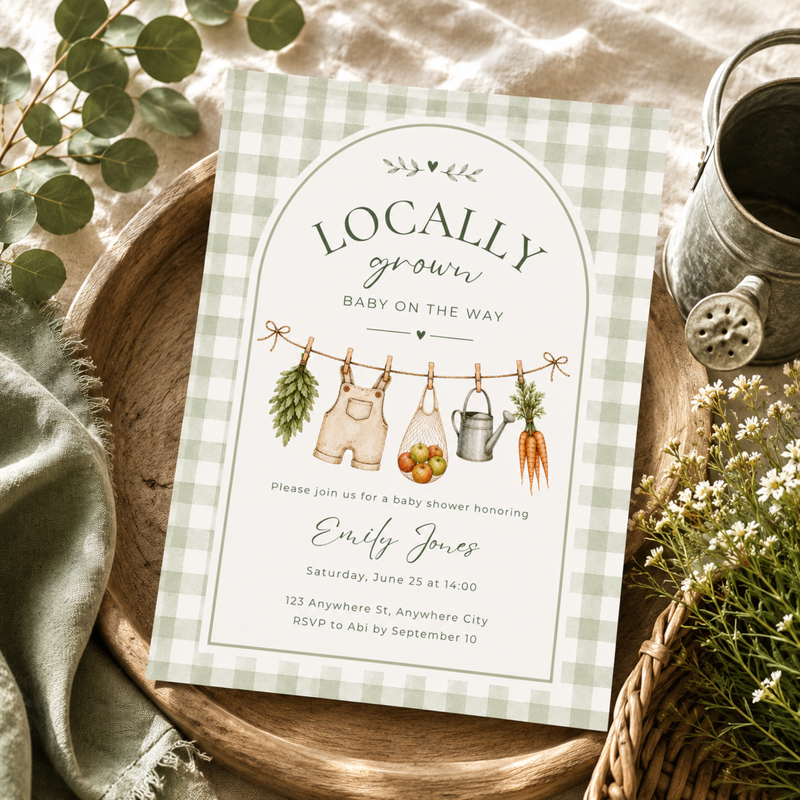
Printable baby shower invitations that look custom-made, without the custom price tag.
Shop invitations →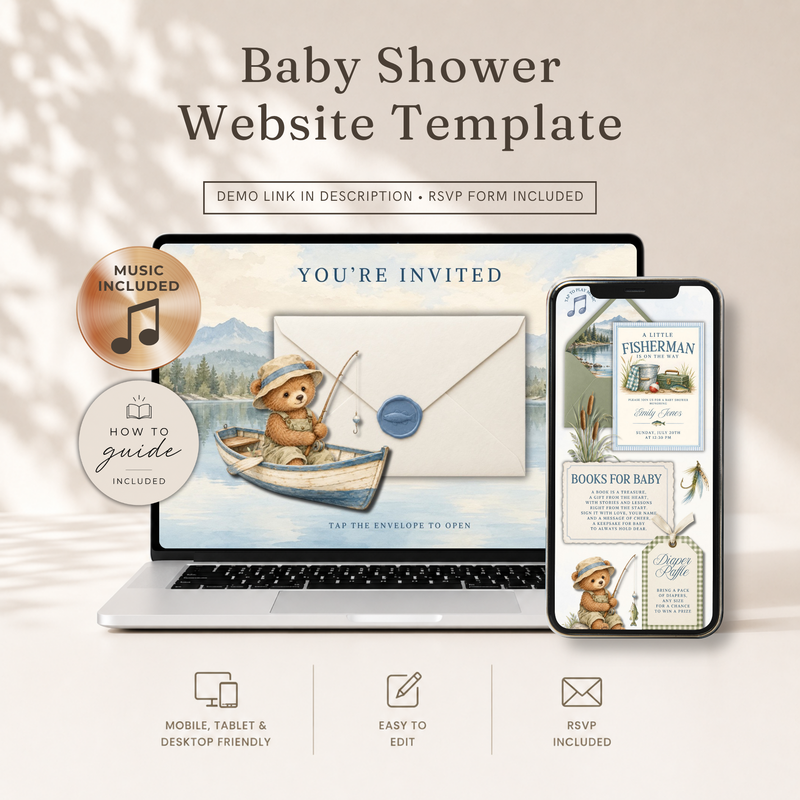
Website Templates
One link. That's all your guests need — RSVP form and gift registry included.
Shop website templates →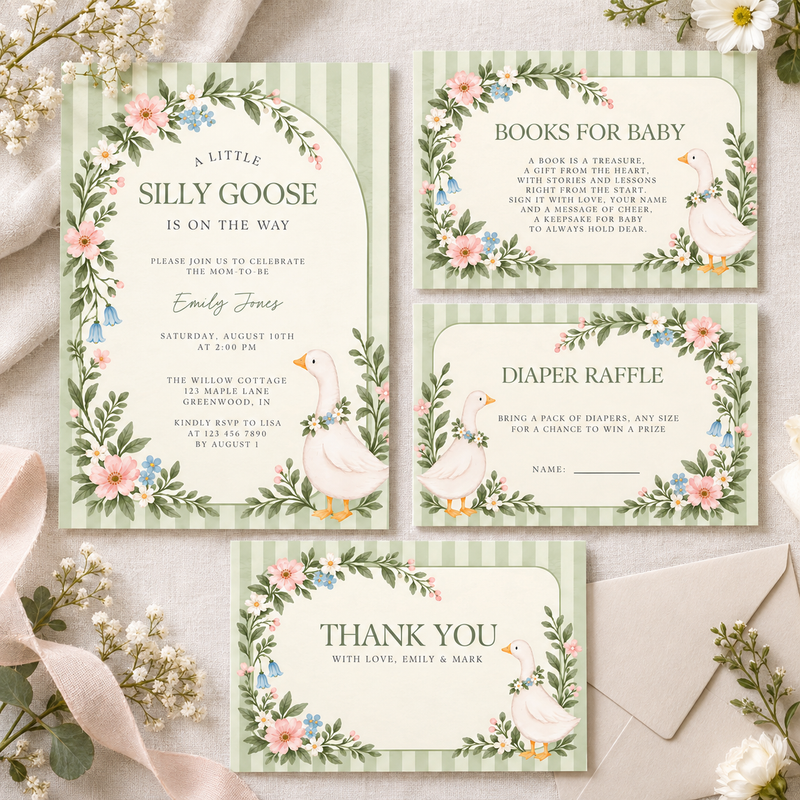
Invitation Bundles
One theme, five pieces, zero mismatched fonts.
Shop bundles →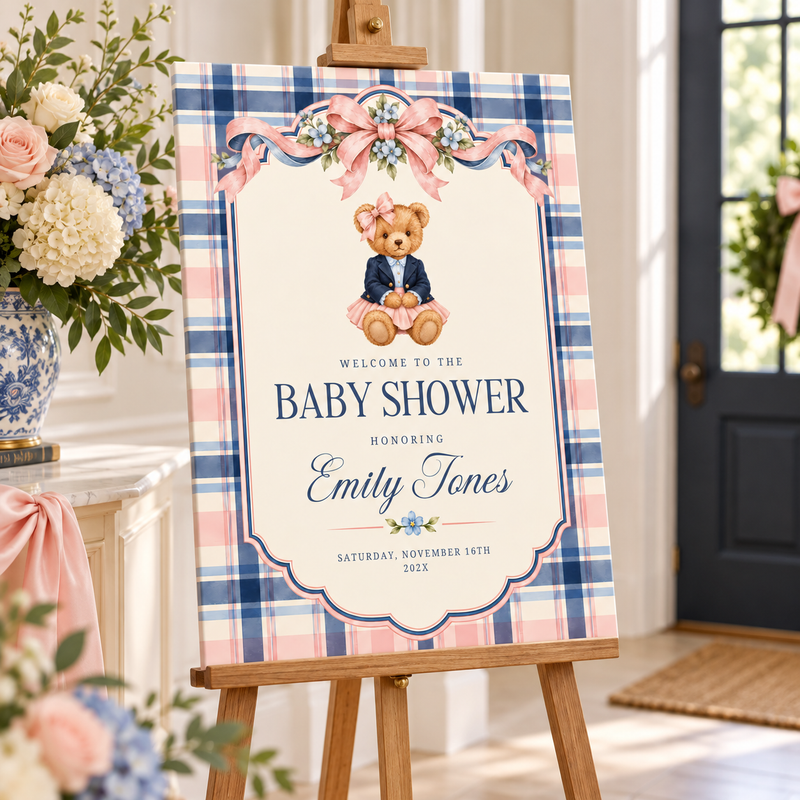
Welcome Signs
The welcome sign sets the tone before anyone reaches the cake.
Shop welcome signs →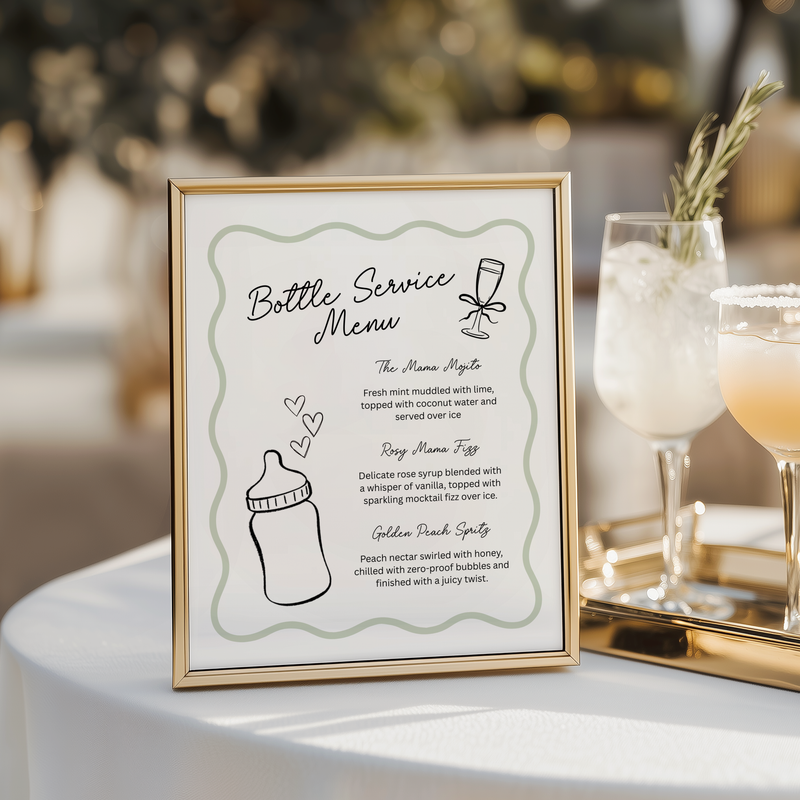
Signs
A welcome sign on an easel does more decorating than a hundred balloons.
Shop signs →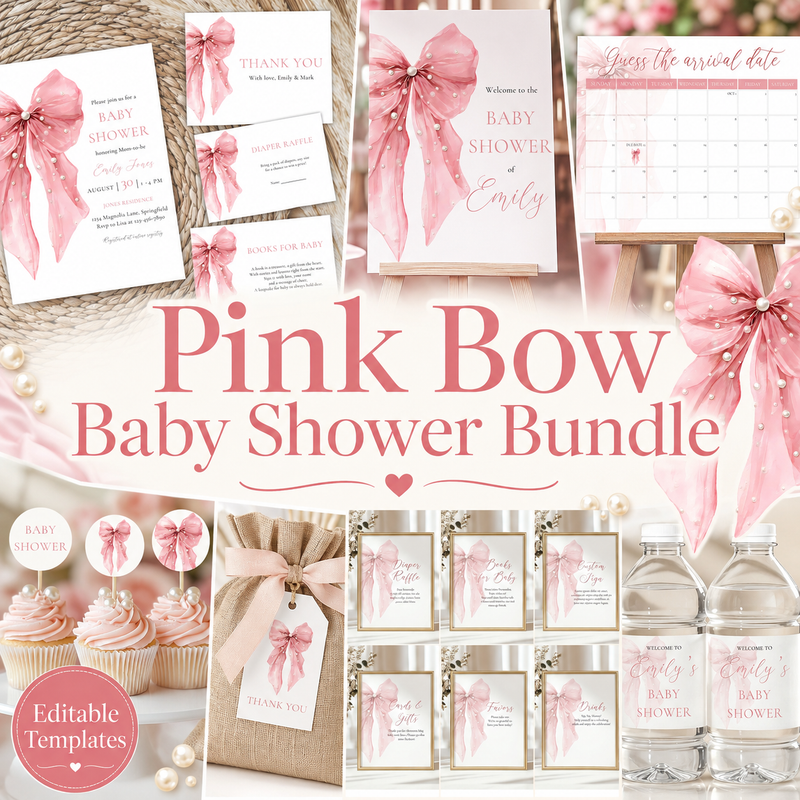
Mega Bundle
Decorate the entire baby shower for the price of two store-bought banners.
Shop mega bundles →What Is a Baby Shower Invitation Website?
A baby shower invitation website is a live web page your guests open on their phone — instead of a paper card, a PDF, or a photo in a group chat. One link holds everything: the date and time, the location with a map, the dress code, a clickable gift registry, and a built-in RSVP form.
Because it's a real website and not a static image, guests can respond right from the invitation. Every RSVP is tracked for you inside Canva, so there are no more follow-up texts. And when a detail changes, you update the website once — every guest automatically sees the latest version.
Each digital baby shower invitation with RSVP in our collection is a Canva template: pick a theme, change the text and colors in about 10 minutes, hit publish, and share your link.
Invitations for Every Celebration
Loved by 1,400+ Customers
Real reviews from hosts who made it special.
"I threw a baby shower and used this sign. My friend was so pleased and said this was the sweetest sign ever and would keep it forever. It was such a win."
"Instantly received my card after buying it, very easy to customize! Would definitely order from this shop again."
"Super cute design perfect for my friend's baby shower! Templates are super easy to edit via Canva!"
Frequently Asked Questions
Everything hosts ask us before their first template.
How do guests RSVP on an invitation website?
Your invitation website includes a built-in RSVP form. Guests fill in their name and response right on the page, and every answer is collected for you inside Canva — no spreadsheets, no chasing texts.
Do I need a paid Canva subscription?
No — a free Canva account is all you need to edit and publish your template. All fonts and elements used in our designs work on the free plan.
Can I print the invitations at home?
Yes. Download your finished design as a PDF and print at home, at a local print shop, or through any online printing service.
How fast do I get my template after purchase?
Instantly. Your template link is available right after checkout and also sent to your email — you can start customizing within a minute of ordering.
Can I change the colors, text, and fonts?
Absolutely — everything is editable in Canva. Change the wording, swap colors to match your theme, and adjust fonts with simple drag-and-drop editing.
Does the invitation website stay live after the event?
Yes — your website stays online as long as you keep it published in Canva. You can unpublish it anytime after the celebration with one click.


