
baby shower
How RSVP Tracking Works on a Digital Invitation (No More Chasing Texts)
 By Giggles & Scribbles
July 18, 2026
5 min read
By Giggles & Scribbles
July 18, 2026
5 min read

The invitation is the pretty part. RSVP tracking is the part that actually saves your sanity. If you've ever hosted anything, you know the drill: you send the invite, and then you spend three weeks piecing together who's coming from scattered texts, a couple of missed calls, and one "we'll try to make it!" that never turns into a yes or a no.
A digital invitation website fixes this by building the RSVP right into the invitation. Here's exactly how it works, what you can collect, and how to read your headcount at a glance.
(For the full picture of what an invitation website is, start with our complete guide.)
What "RSVP tracking" actually means
RSVP tracking simply means every guest's response is captured and organized in one place — automatically — instead of you keeping a manual tally. On a digital invitation website, the invitation and the response live in the same place. A guest reads your details and replies without ever leaving the page.
No separate reply card. No "text me back." No notebook by the fridge.
How a guest RSVPs (their side)
From your guest's point of view, it couldn't be simpler:
- They tap your invitation link — it opens like any web page on their phone.
- They read the details: date, time, place, registry.
- They scroll to the RSVP form and fill it in — usually name, whether they're coming, and how many guests.
- They hit submit. Done.
There's nothing to download, no app, and no account to create. That low friction is the whole point: the easier it is to reply, the more people actually do — and the faster they do it.
One link. Everything included.
Invitation Websites Your Guests Open on Their Phone
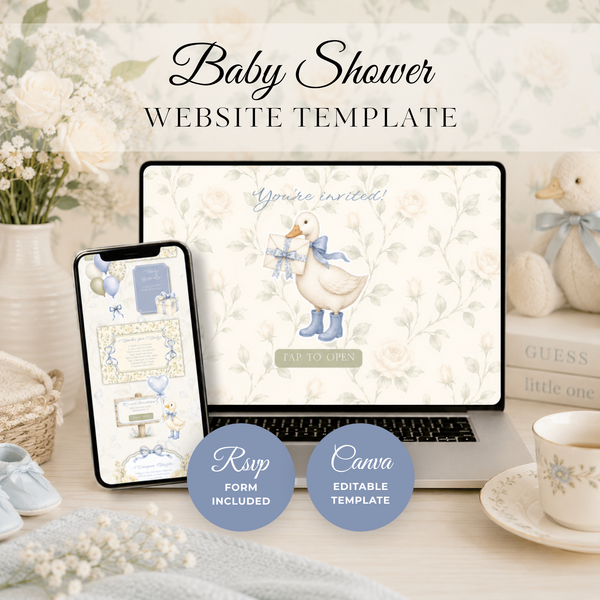
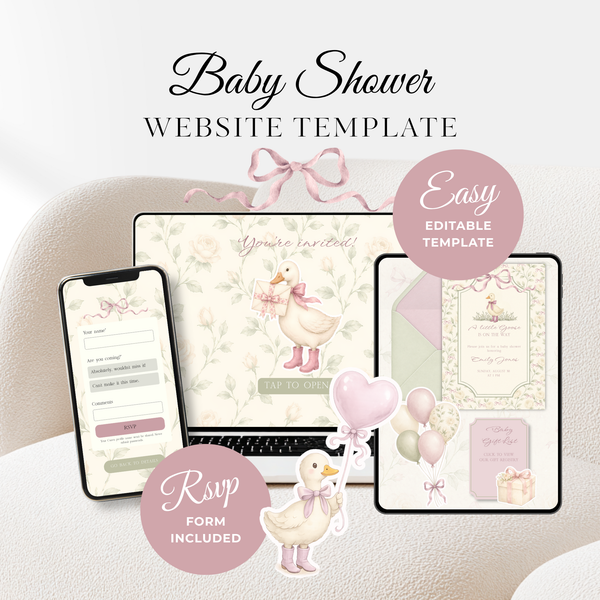
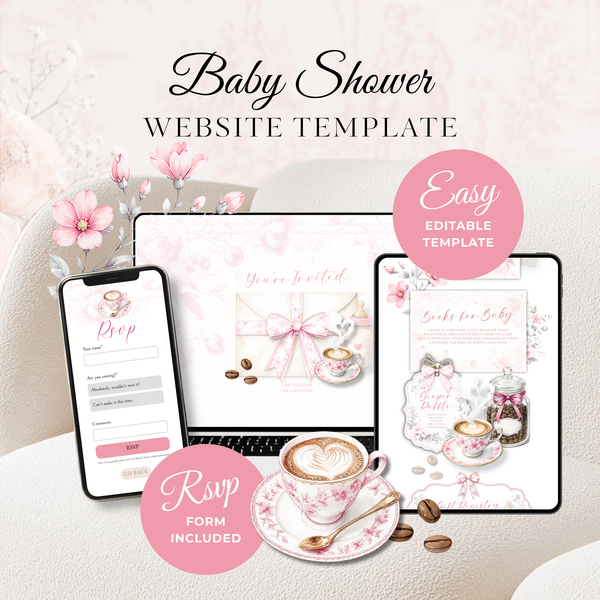
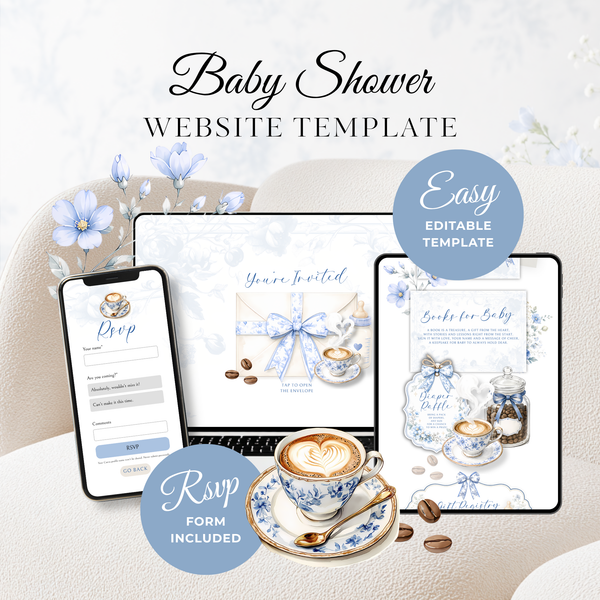
Built-in RSVP form & clickable gift registry — editable in Canva in 10 minutes.
-
 Baby Shower
Blue Little Goose Baby Shower Invitatio...
€22,95
Baby Shower
Blue Little Goose Baby Shower Invitatio...
€22,95
-
 Baby Shower
Vintage Floral Little Goose Baby Shower...
€22,95
Baby Shower
Vintage Floral Little Goose Baby Shower...
€22,95
-
 Baby Shower
Pink Toile Baby Is Brewing Baby Shower ...
€22,95
Baby Shower
Pink Toile Baby Is Brewing Baby Shower ...
€22,95
-
 Baby Shower
Baby Is Brewing Baby Shower Website Tem...
€22,95
Baby Shower
Baby Is Brewing Baby Shower Website Tem...
€22,95
-
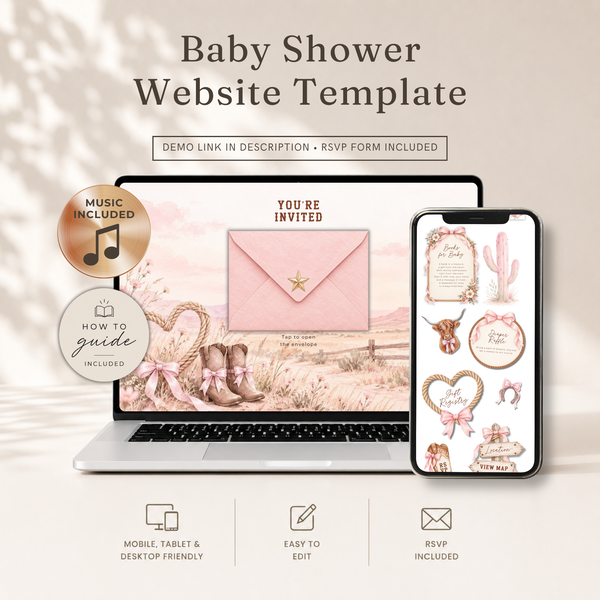 Baby Shower
Cowgirl Baby Shower Invitation Website ...
€22,95
Baby Shower
Cowgirl Baby Shower Invitation Website ...
€22,95
-
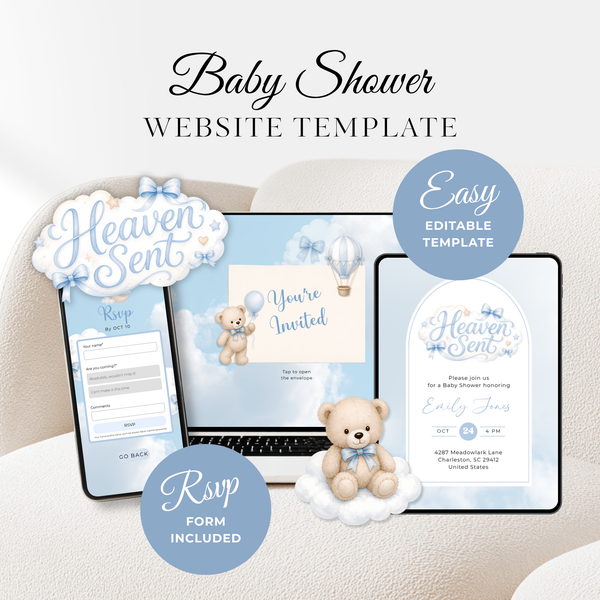 Baby Shower
Heaven Sent Baby Shower Invitation Webs...
€22,95
Baby Shower
Heaven Sent Baby Shower Invitation Webs...
€22,95
-
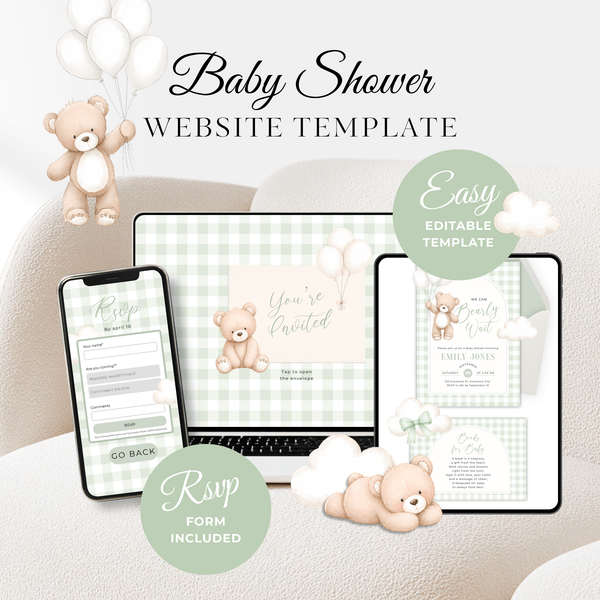 Baby Shower
Sage Green Bearly Wait Baby Shower Invi...
€22,95
Baby Shower
Sage Green Bearly Wait Baby Shower Invi...
€22,95
-
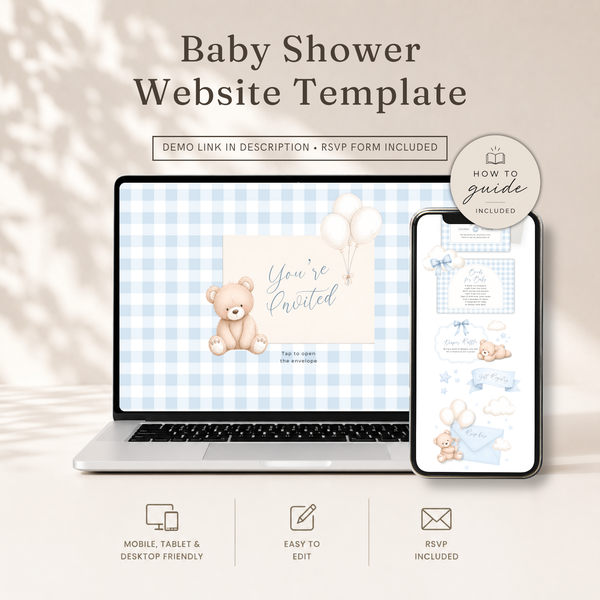 Baby Shower
Boy Bear Baby Shower Website Template -...
€22,95
Baby Shower
Boy Bear Baby Shower Website Template -...
€22,95
How the responses reach you (your side)
Once a guest submits the form, their answer is collected for you automatically and gathered together with everyone else's. Instead of a pile of texts, you get one organized list of responses you can check any time. You see who's replied, who hasn't, and what your current headcount is — without lifting a finger to compile it.
Because everything is in one place, the running total is always current. Add up the "yes" replies plus their guests and that's your number for the caterer, the favors, and the seating.
The extra questions worth asking
A form lets you gather the little details that usually spawn their own text threads. Beyond "are you coming?", you can ask:
- How many guests they're bringing (so plus-ones don't surprise you)
- Dietary notes or allergies (a lifesaver for catering)
- A meal or menu choice, if you're offering options
- A sweet message for the parent-to-be
Collecting these upfront means you're not sending a second round of questions later. It all comes in with the RSVP.
Getting an accurate headcount
The number one reason hosts love tracked RSVPs is a headcount they can trust. A few habits make it airtight:
- Set an RSVP-by date and put it right on the invitation.
- Send the link 4–6 weeks out so people have time to reply.
- Pin the link in the group chat so no one loses it.
- Do one friendly nudge a few days before your cutoff — a quick "final headcount this Friday!" in the chat catches the stragglers.
Because non-responders are easy to spot in one list, that nudge takes seconds instead of a scavenger hunt through old messages.
Why this beats paper and plain PDFs
A printed reply card depends on the guest filling it out, finding a stamp, and mailing it back — and many never do. A PDF or photo invite has no way to reply at all, so every RSVP defaults to a text you have to log yourself.
A digital invitation website removes both problems: the response mechanism is built into the invitation, and the logging happens for you. If you're weighing the formats, we compare them fully in Digital vs. Paper Baby Shower Invitations.
Setting it up is part of the template
Here's the reassuring part: you don't build any of this from scratch. Every invitation website template comes with the RSVP form already in place. When you customize your template, you connect the form so responses come to you — and that's it. We cover this step inside the full Canva walkthrough.
Frequently asked questions
Do guests need an account to RSVP? No — they tap the link and fill in the form. Nothing to download or sign up for.
Can I see who hasn't responded yet? Yes. Because every reply is in one place, the guests who haven't answered are easy to spot for a quick reminder.
Can I collect dietary info and plus-ones? Yes — the form can capture guest counts, dietary notes, meal choices, and a message, all with the RSVP.
What if someone changes their mind? They can submit an updated response, and you'll have the latest answer in your list.
Stop chasing, start hosting
RSVP tracking is the quiet feature that turns hosting from stressful to smooth. One link collects your invitations and your responses in the same place, so the only thing left for you to do is plan the party.
Browse invitation website templates with RSVP →
Every design includes the RSVP form built in — customize yours in Canva in about ten minutes and let the replies roll in on their own.
Giggles & Scribbles
Editable Canva invitation templates & live invitation websites with RSVP — for baby showers, birthdays, and every celebration in between.